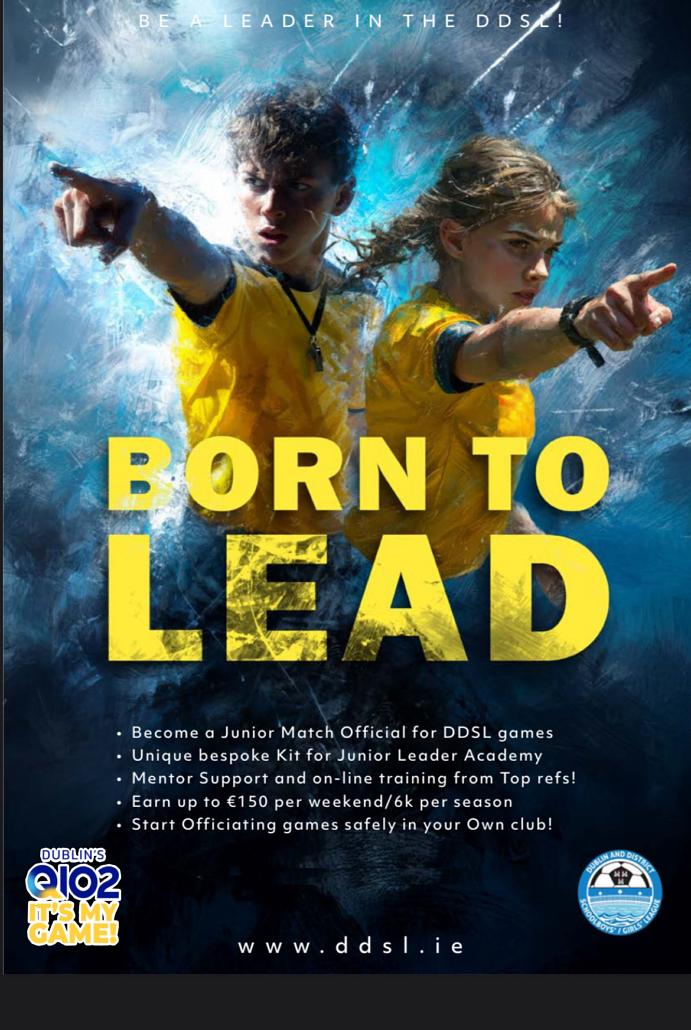
Any teenager interested in completing the Junior Match Official Course and refereeing underage games (u10/11/12) please see the information below.
JMO Course links below
JMO Course links below
Each course takes a total of 5 hrs approx. over 2 nights and will give you the qualification
To ref competitively as well-next season!
Online Referee Beginners Course - 6th & 7th July (7-10pm) - https://faiconnect.ie/mycomet/private/seminars/49827666
Online Referee Beginners Course - 20th & 21st July (7-10pm) - https://faiconnect.ie/mycomet/private/seminars/49827716
Online Referee Beginners Course - 10th & 11th August (7-10pm) - https://faiconnect.ie/mycomet/private/seminars/49827723
Sign up closes one week in advance of each course as there is pre-course material which needs to be completed online.
Anyone U18 needs to be linked through a parent account.
To create an Under-18 account, a parent or guardian must first create their own adult profile. Minors cannot self-register directly. Once the guardian is logged in, they can create and link a child’s profile in their account settings.
Follow these steps to set up the child's account: (https://support.faiconnect.ie/wp-content/uploads/2025/05/FAI-Connect-Parent-Guardian-Linking-Account-to-Child-Profile.pdf)
- Create the Parent Account: Go to the MyComet Signup Page and sign up using the parent's or guardian's details (name, date of birth, and email). Verify the email address.
- Access Account Settings: Log in with the parent credentials and navigate to Account Settings > Linked Accounts.
- Add Child Profile: Select the option to add or create a Child Account and fill in the child's details.
- Complete the Child's Profile: Switch to the newly created child profile. Ensure you tick the box to accept the terms and conditions and upload a mandatory profile photo.